Field Library Lookup Tool
1. Introducing the first iteration of the Charlie field library search function, making it easier than ever to explore available data fields.
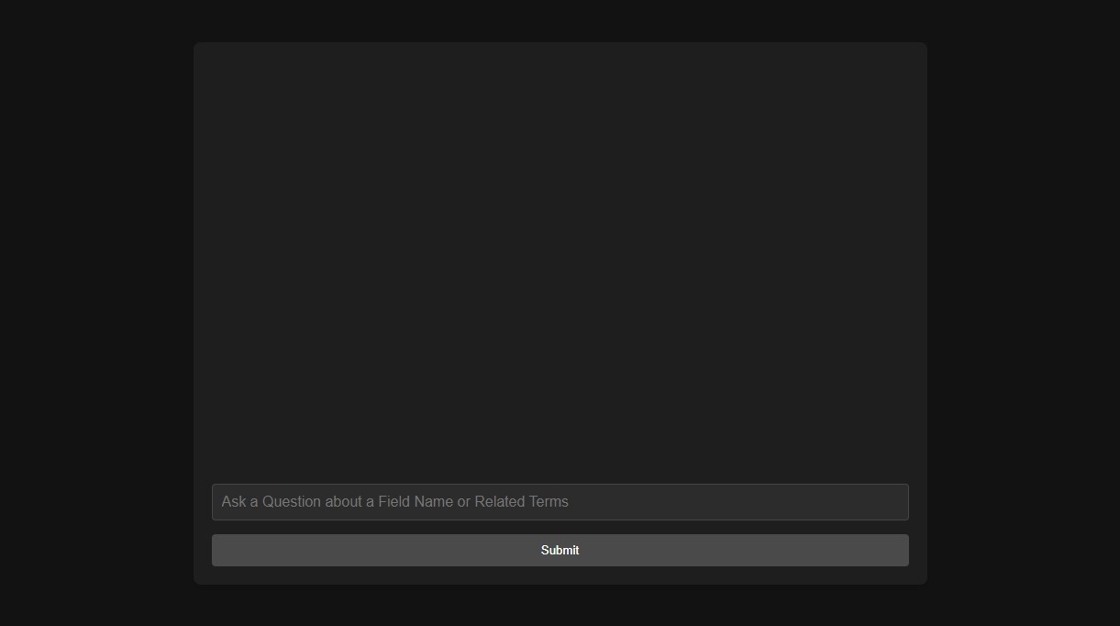
2. The tool enables users to search for fields using natural language, offering an intuitive and user-friendly experience.

3. Here is an example: When the user types: "show me the fields for VA Funding Fee"
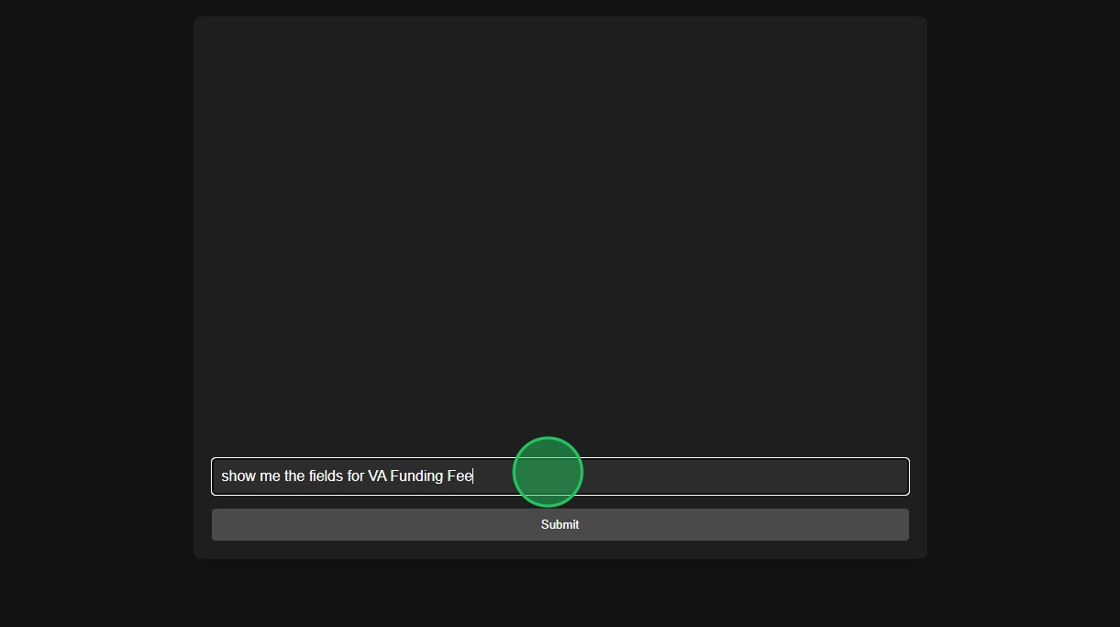
4. The response is: "The fields related to the VA Funding Fee in the Wilqo Field Library are:" followed by a list that includes VA Funding Fee Amount, VA Funding Fee Percent and VA Funding Fee Exemption Type.

5. The interaction can also be conversational. This user said "i would like to see gift funds"

6. The response asks clarifying questions: "Could you please specify which field related to gift funds you are inquiring about? For example, are you asking the total cash or market value amount of gift grants within the Asset Summary? Let me know so I can assist further."

7. The user then says: "verified gift funds"

8. And the tool responds: "For verified gift funds, you would refer to the field Asset Summary Total Gifts and Other Accounts Verified Amount."

9. This tool will reduce support dependencies and save time by helping users quickly locate the appropriate fields for mapping and configuration. This feature is just the beginning and will continue to grow more powerful and intuitive in future releases.[[ ]]

Was this article helpful?
That’s Great!
Thank you for your feedback
Sorry! We couldn't be helpful
Thank you for your feedback
Feedback sent
We appreciate your effort and will try to fix the article