Optimal Blue > Lock Change Requests
1. Charlie now supports managing locked loan changes through Optimal Blue, including updates that affect the lock or require extensions.
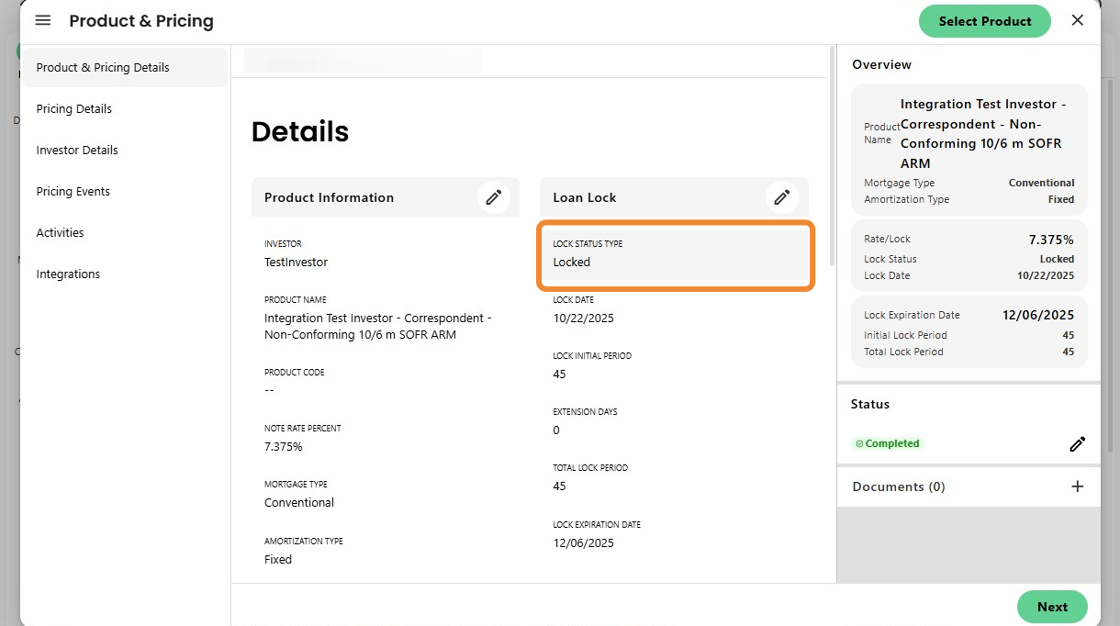
2. After revising loan information or when ready to request a lock extension, clicking Select Product initiates the integration with Optimal Blue.
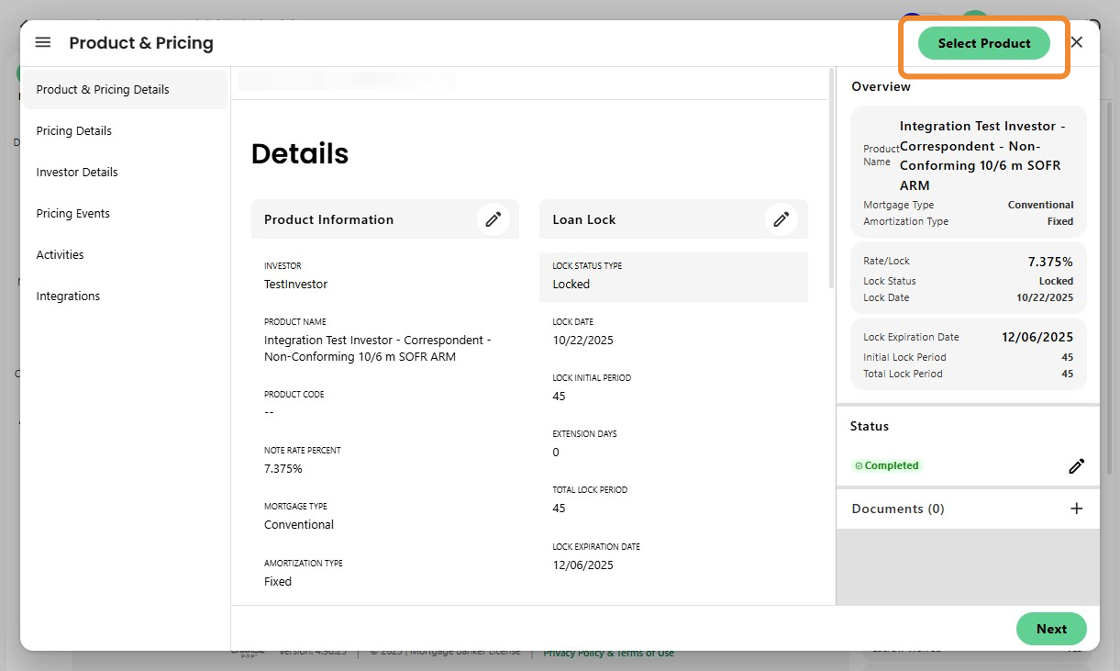
3. The user is taken to OB's Change Request screen, where they can make extension or profile change requests
.
Once submitted, the updates pass back to Charlie for validation and loan data refresh.

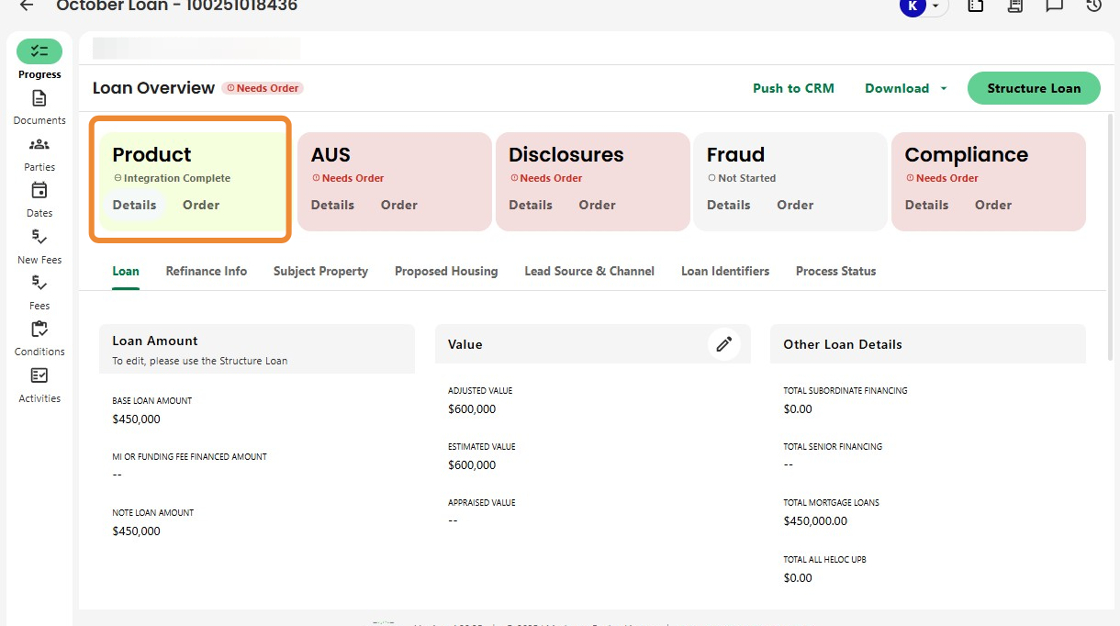
4. The Product Info box updates automatically to reflect integration completion.
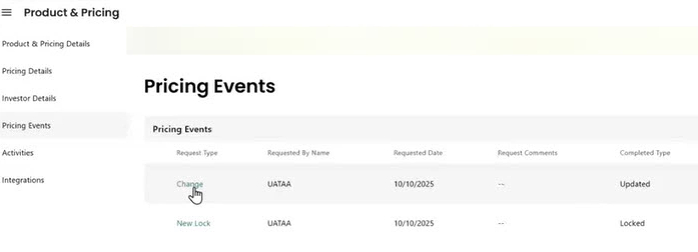
5. Each pricing-related event is logged to enable the triggering of related activities and to maintain a complete audit trail for transparency and tracking.
Was this article helpful?
That’s Great!
Thank you for your feedback
Sorry! We couldn't be helpful
Thank you for your feedback
Feedback sent
We appreciate your effort and will try to fix the article