Credit Alert Messages
1. Credit report alert messages are now visible throughout Charlie.
Within the Credit Progress Item, there is a new Alert Messages tab, where alerts from all bureaus are automatically displayed, organized by repository, category, and description for easy review.

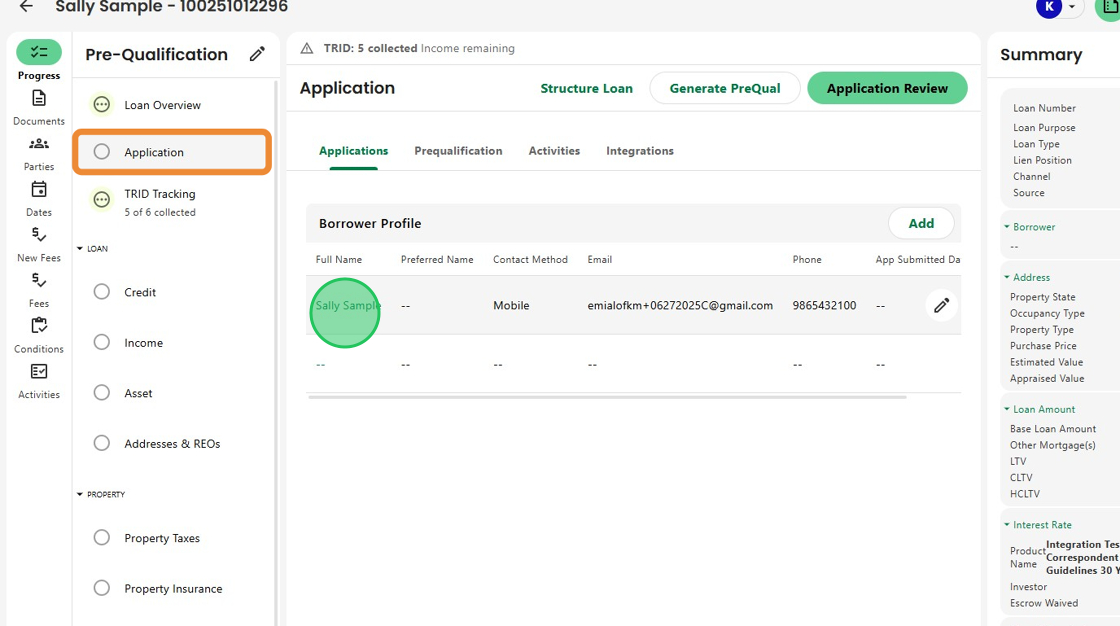
2. Alerts can also be viewed right from the Application Progress Item.
Simply select the borrower’s name to access their detailed credit information.
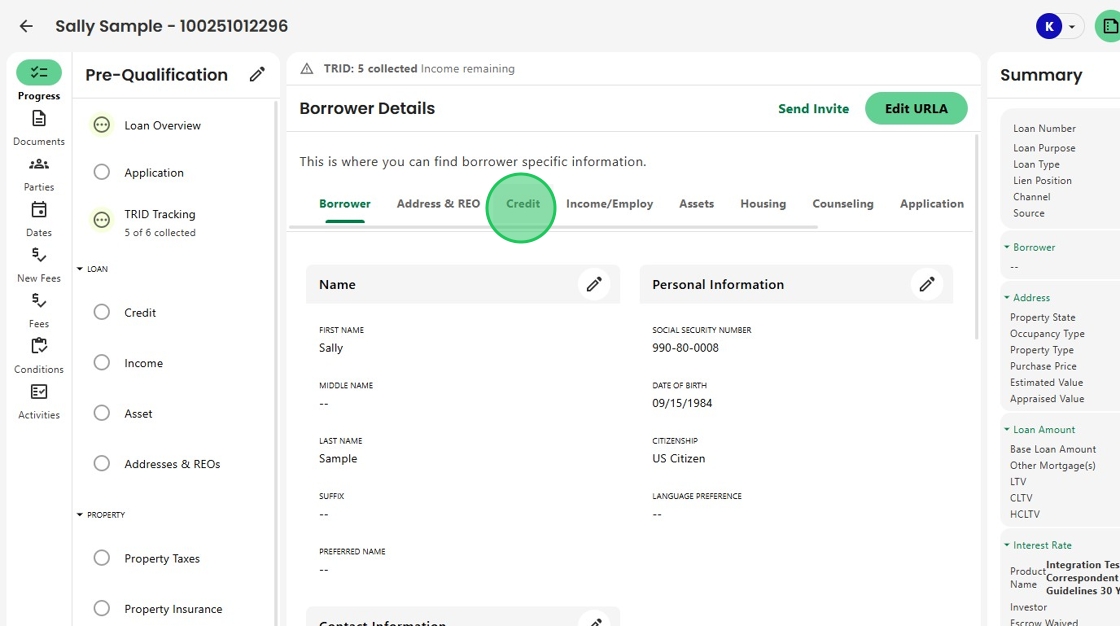
3. Then, open the Credit tab to review borrower-specific details, including all associated credit alerts.
4. Scroll down to the Alert Messages section to see the table of notifications.

5. These same alerts are also available within the Fraud section, giving complete visibility into credit and fraud-related messages in one place.

6. And now, with Credit Alerts located right beside the Drive Report, users can review and resolve both sets of alerts together, making workflows faster, smoother, and more efficient.

Was this article helpful?
That’s Great!
Thank you for your feedback
Sorry! We couldn't be helpful
Thank you for your feedback
Feedback sent
We appreciate your effort and will try to fix the article