Requesting initial disclosures is a key step in the loan process. Charlie streamlines this by allowing users to quickly generate and send disclosures.
Instructions to Send Initial Disclosures
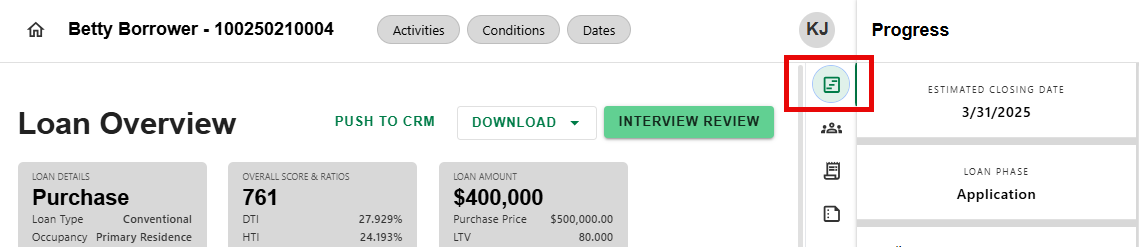
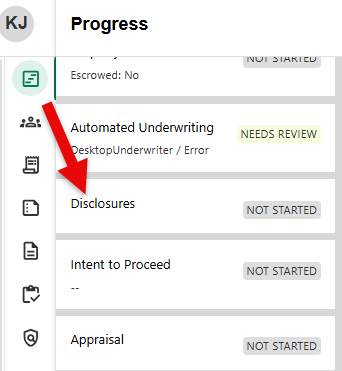
Step 1: Navigate to Disclosures Progress Item
- Navigate to the Progress Item icon from any screen and click on Disclosures.
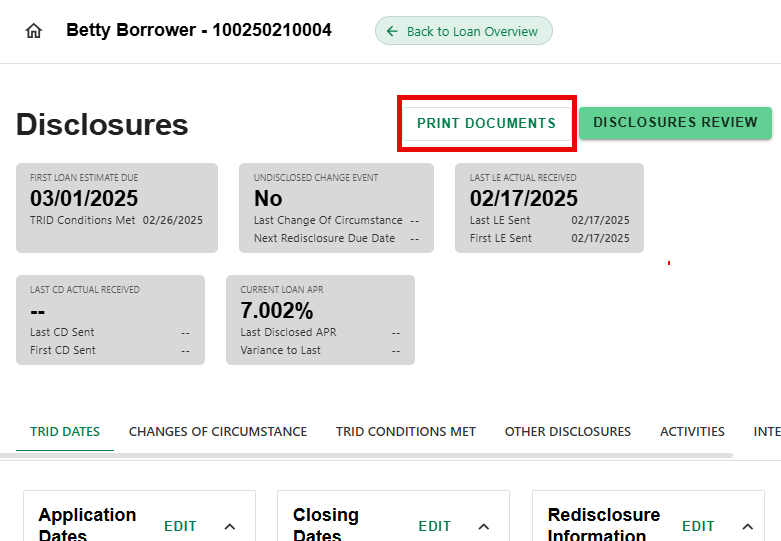
Step 2: Click Print Documents
- On the Disclosures detail screen, click on the 'PRINT DOCUMENTS' button.
Step 3: Complete Document Generation Request
- On the Document Generation Request screen, select the name of the Vendor from the dropdown (if applicable).
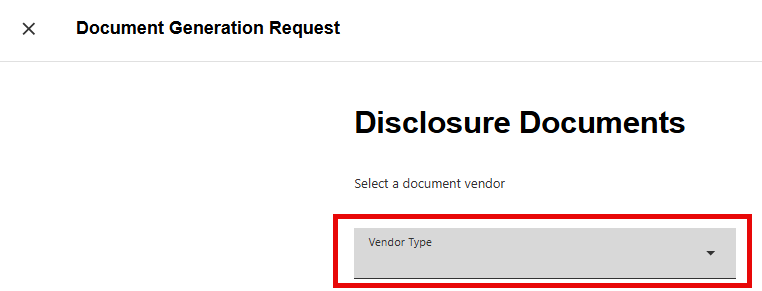
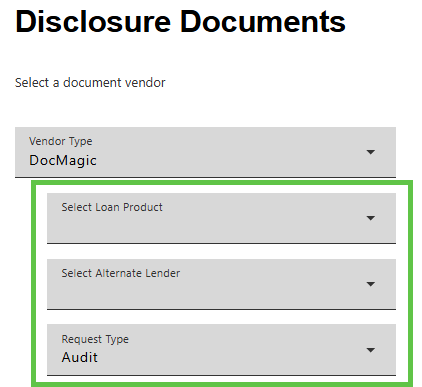
- Fields for any additional information needed for the selected vendor will appear automatically upon the selection. Example for Doc Magic:
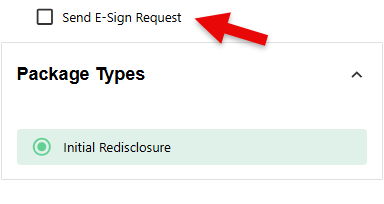
- Select Initial Disclosures. Check the Send E-Sign Request if delivering disclosures electronically.
- Click 'RUN REQUEST' to generate the order or 'CANCEL' to go back to the details screen.

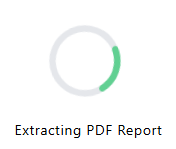
- There will be a series of messages regarding the progress of the request. For example:
- Login to your Doc Provider website using the link provided as needed.
Charlie will prompt to enter any required fields prior to running the integration to request the disclosures.
Was this article helpful?
That’s Great!
Thank you for your feedback
Sorry! We couldn't be helpful
Thank you for your feedback
Feedback sent
We appreciate your effort and will try to fix the article