If a fee was added in error or is no longer needed, Charlie allows users to delete it from the loan file.
Instructions to Delete a Fee
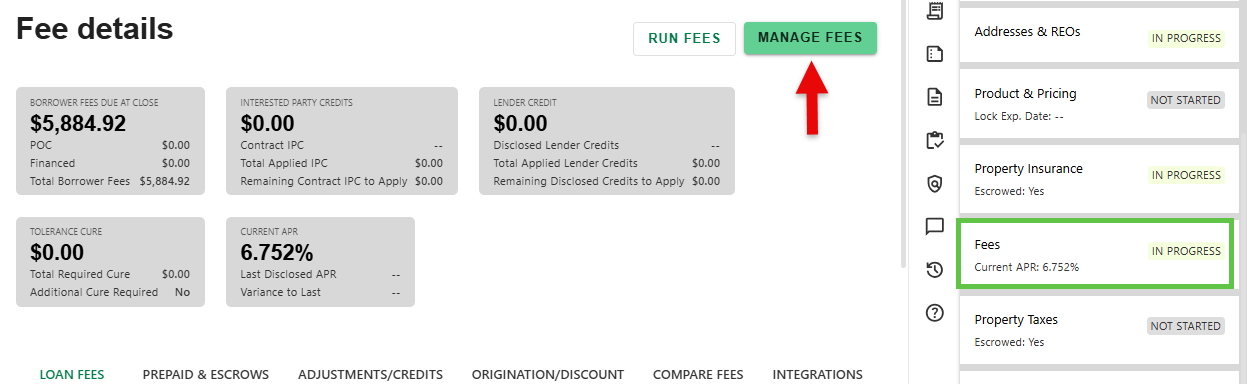
Step 1: Click Manage Fees Button
- On the Fees Progress Item details screen, click the 'MANAGE FEES' button.
Step 2: Delete Fee
- Click on the three dots to the far right of the fee you want to delete. Then click on the Delete box that pops up.

Step 5: Update Fees
- Once done, click the Update Fees button to add the new fee and return to the main Fees screen.

Some fees may not be editable or deletable without admin permissions. Reach out to your admin for assistance.
Was this article helpful?
That’s Great!
Thank you for your feedback
Sorry! We couldn't be helpful
Thank you for your feedback
Feedback sent
We appreciate your effort and will try to fix the article